
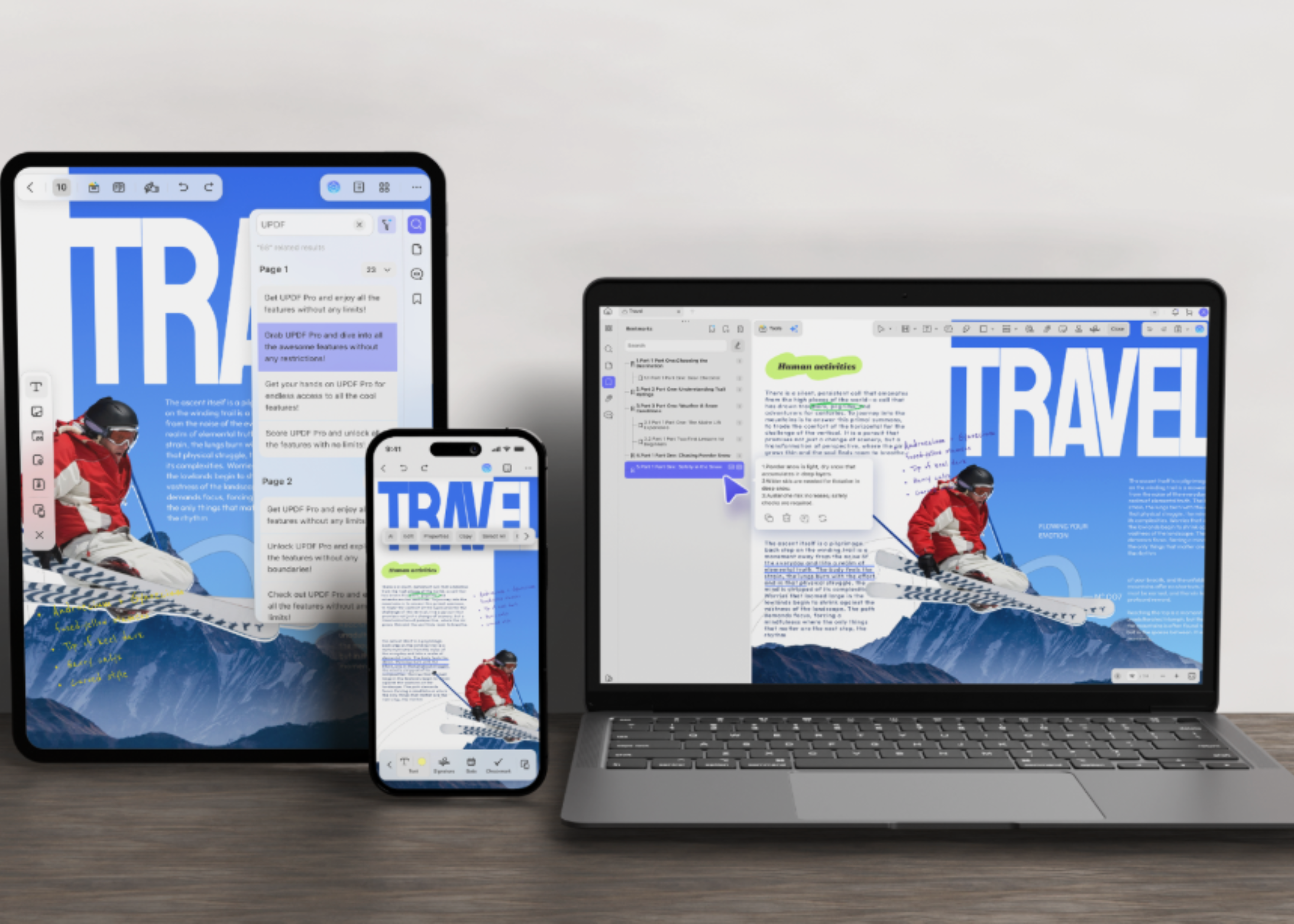
PDFs sit at the end of almost every workflow. Contracts, invoices, research papers, scanned intake forms, manuals, and compliance filings all arrive as PDFs. The format is very good at freezing a layout. It is much worse at letting you change one number inside that layout.
That gap has become more visible as language models have gotten better at reading documents. A model can summarize a 90-page master services agreement in seconds. It will not reliably rewrite the source file. It will not hold the table alignment. It will not hand back a clean, signable copy.
UPDFis built for the second half of that problem. It is an all-in-one PDF editor for Windows, macOS, iOS, and Android, developed bySuperace Software Technologies. It combines editing, annotation, conversion, compression, OCR, page organization, and an integrated AI assistant in one application.
It helps to separate document work into two categories:
Most teams solve this by running two tools in parallel. A chatbot handles interpretation. A separate editor handles execution. UPDF’s premise is that both belong in the same window.
With UPDF you canEditan existing PDF directly, rather than rebuilding it from the original source file. Editable objects include text and font styling, images, links, and tables. Watermarks, backgrounds, headers and footers, form fields, and pages are also editable in place.
The practical constraint is layout preservation. A brochure with an outdated price should not turn into a redesign project. Neither should a contract with one wrong date. UPDF keeps the original layout, fonts, tables, and formatting intact while the edit lands.
Form work sits in the same place. You can fill fields and build interactive forms. Handwritten and image-based signatures are supported, and saved signatures sync across devices.
Sometimes the PDF is only a starting point. A financial statement needs to become a spreadsheet. A deck needs to go back into PowerPoint. A supplier contract needs to reach a team that works in Word.
UPDF canconvertPDFs into 14 formats, including Word, Excel, PowerPoint, PNG, JPEG, HTML, and PDF/A. Conversion runs the other direction too. UPDF lists up to ten methods for creating a PDF. Sources include Word, Excel, PowerPoint, images, a blank page, and the clipboard.
Two details matter for anyone doing this at volume. Page-range selection means you can export only the section you need. Batch conversion has no stated file-count ceiling. A folder of scanned statements can go through in one run.
Feature lists are easy to write and hard to verify. The console below carries the specifications UPDF publishes on its own product pages. Every answer links back to its source. Click a command, or type one.
Scanned PDFs are the most common failure point in document automation. They look readable, so people assume they are searchable. They are not. Every downstream step — search, extraction, retrieval, diffing — silently breaks.
UPDF'sOCRconverts scanned documents and image-based PDFs into searchable, editable text. It recognizes 38 languages and handles pages that mix more than one language. UPDF states accuracy of up to 99%.
The output layout options are the part worth knowing about. UPDF offers three: text and pictures only, text over the page image, and text under the page image. The third option matters most for audit work. The page still looks like the original scan, but the text underneath is searchable.
There is also a reverse path. A searchable PDF can be flattened back into an image-only PDF. MRC-based compression keeps the file small and the page legible. That helps when a document goes out for distribution and should not be edited further.
Recognized output exports straight to Word, Excel, PowerPoint, or TXT. On iPhone and iPad, live camera capture turns the device into a scanner.
UPDF'sAI featuresits inside the same window as the file. UPDF states that UPDF AI now runs on GPT-5.6.
The assistant handles several jobs against an open file:
Mind maps can be shared by link, downloaded, or inserted back into the document.
Two features are more specific.Paper Searchfinds academic papers by topic and saves them to a personal library.Scholar Researchbreaks a broad question into sub-questions. It then gathers papers and produces a literature review you can export as a PDF.
Version 2.5shipped on March 31, 2026 and added ten AI agents:
Copilot is deliberately scoped. It identifies the tool; the user still authorizes and performs the action. For anyone handling